
Import
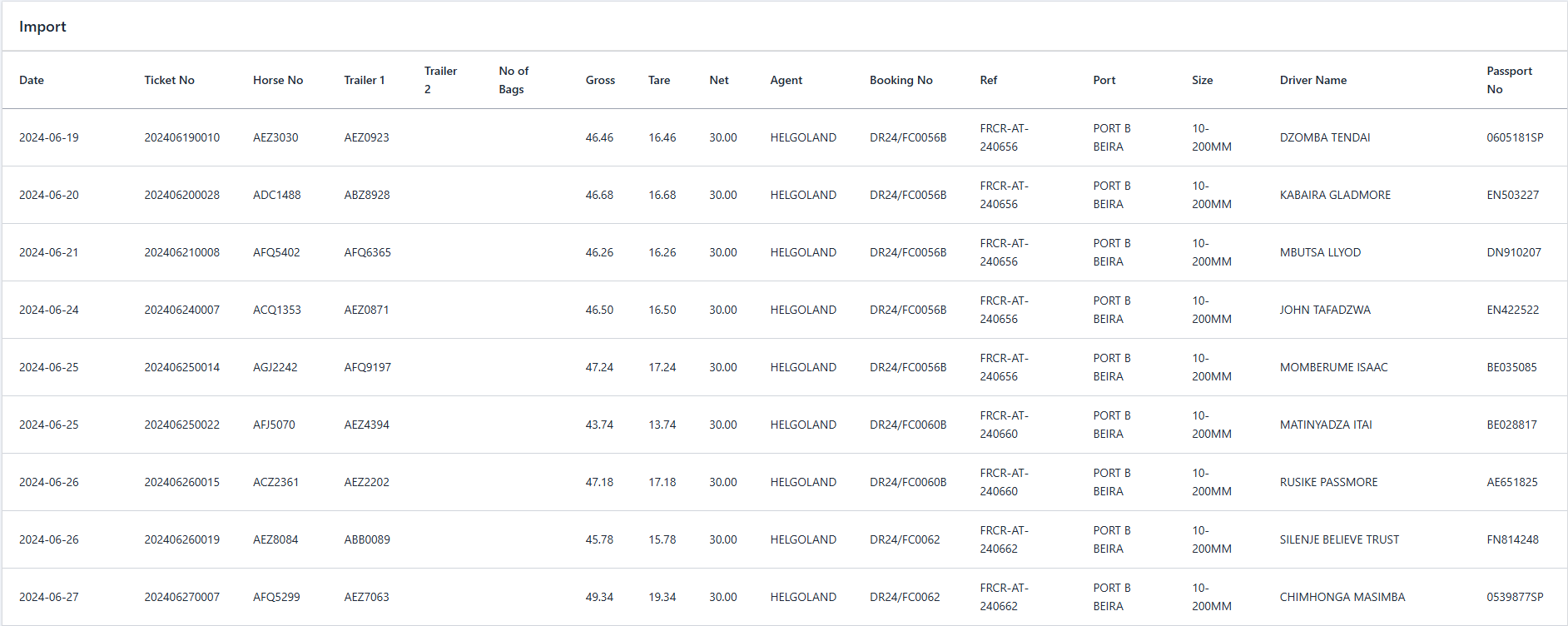
The Import Page provides functionality to upload Excel files containing dispatch records from operations conducted at mines before the current system was implemented. This ensures that older records, previously managed in Excel, can be integrated into the system for consistent and centralized data management.
New Import
Clicking the "Create New Import" button opens a modal where users can input the necessary information for a new import and save it. It includes the followings fields:
- ↳ Customer: Select the customer associated with the dispatch records being imported. (Required)
- ↳ Load Name: Enter the name of the load referenced in the Excel file. (Required)
- ↳ Excel File: Upload the Excel file containing the dispatch data. Only files in a compatible format are accepted. (Required)
After importing, the system processes the file and on Import table, by click on Action button displays the imported file content in a formatted table adhering to the system's standards.